Google released DV360 API v5 in public beta on October 22, adding advertiser-level YouTube exclusions, Digital Out of Home insertion order support, and new audience and inventory targeting structures. Advertisers that rely on automated trafficking or reporting should test the version now because several breaking changes require more than a simple endpoint update.
What changed in DV360 API v5?
Google's official DV360 API release notes introduce v5 as a public beta. The release expands what teams can manage programmatically, but it also changes several resource models that existing integrations may assume are stable.
At the advertiser level, v5 can now fully manage YouTube video and channel exclusions. These controls were read-only in v4. That matters for teams that apply consistent exclusion lists across many campaigns, because governance can move from a manual interface process into an automated workflow.
Digital Out of Home is another major addition. V5 can create and retrieve insertion orders with the OUT_OF_HOME type. Line items under those insertion orders remain retrievable, but integrations that list insertion orders need to expect this new type. For teams already planning programmatic outdoor activity, this creates a clearer path to include it in automated setup and monitoring. Our programmatic DOOH guide explains how that channel fits into a broader media plan.
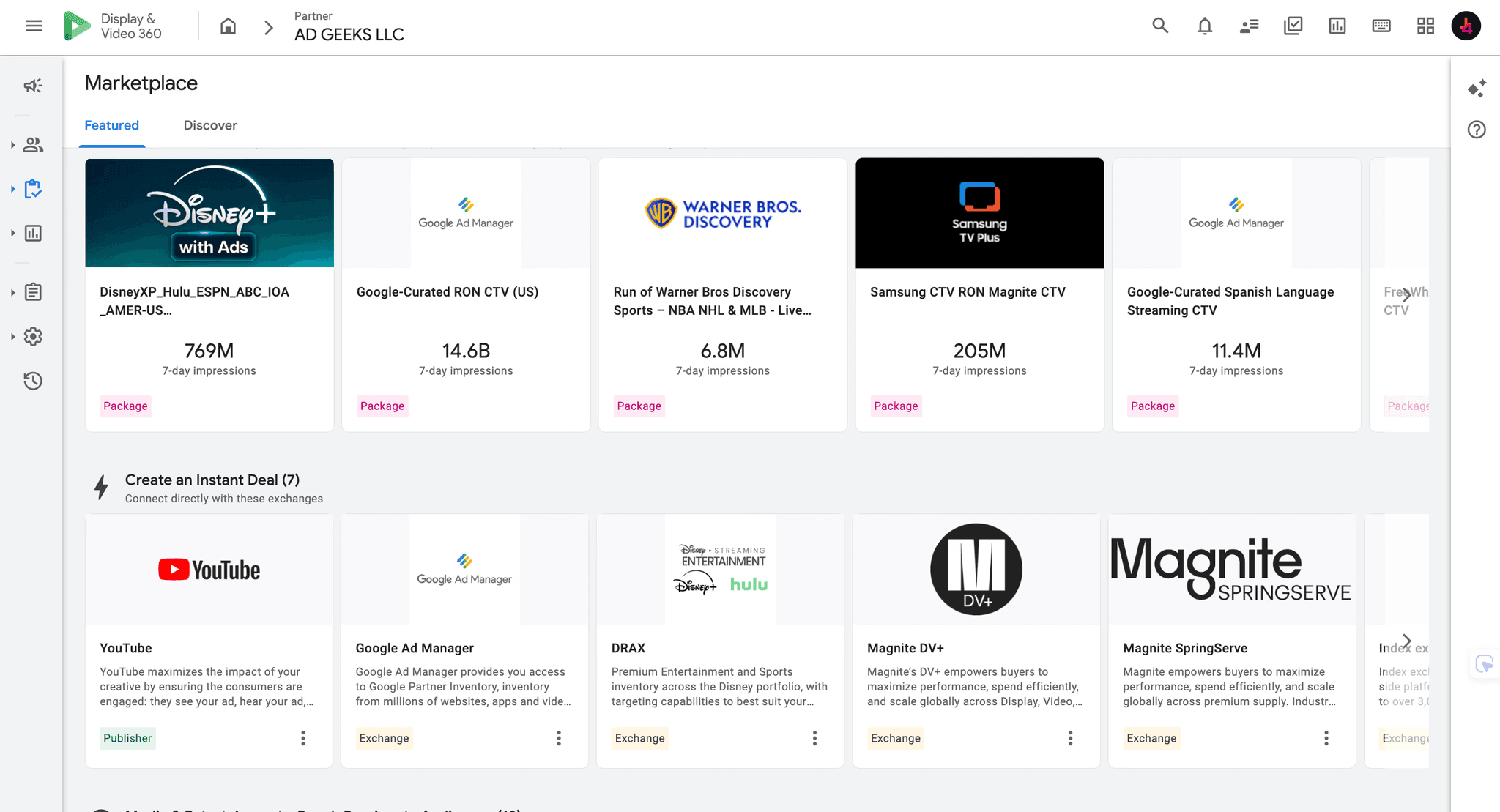
The biggest migration risk sits in inventory and audience targeting. Inventory source deals and auction packages are now treated as separate targeting types. Google also says the update changes IDs for existing deals and auction packages, so previously cached InventorySource IDs cannot be reused after migration.
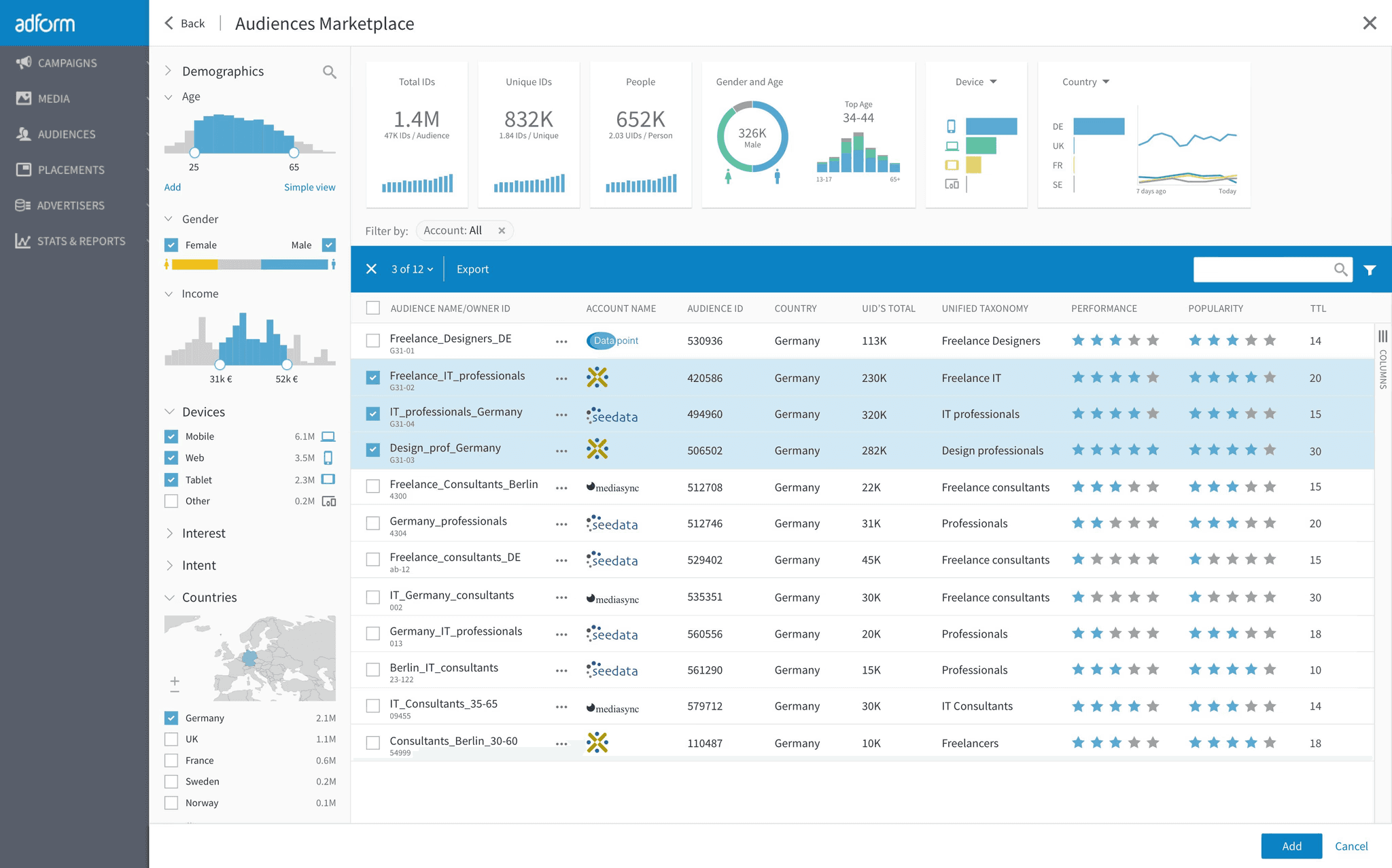
For Demand Gen and YouTube ad groups, v5 replaces the single audience group model with individual assigned options for combined audiences, custom lists, first-party and partner audiences, Google audiences, and lookalike audiences. Line items continue to use the existing audience group model. Integrations therefore need logic that distinguishes between the ad group and line item levels.
Customer Match management also moves out of the DV360 API. V5 removes the methods used to create Customer Match audiences, edit their members, and patch them. Google directs those workflows to the Data Manager API instead.
Why does DV360 API v5 matter for advertisers?
The benefit is better control across workflows that are difficult to scale manually. Centralized YouTube exclusions can reduce inconsistent brand suitability settings between advertisers or campaigns. DOOH insertion order support can bring another channel into shared trafficking and reporting routines. More explicit audience and inventory types should also make automation easier to reason about once the migration is complete.
The short-term risk is operational. A script can appear healthy while assigning the wrong resource type, relying on an obsolete ID, or failing when it encounters a removed method. Those failures can delay launches, leave exclusions unapplied, or create gaps in internal reporting. This is why the change belongs in campaign operations planning, not only in a developer backlog.
Advertisers should also separate an API release from a platform strategy change. V5 creates new automation options, but it does not by itself prove better performance. Teams still need clear controls, QA, and measurement. The broader DV360 audit checklist is useful for checking whether technical automation matches the intended campaign setup.
What should advertisers do now?
Map every v4 dependency. Inventory source calls, audience targeting, Customer Match methods, YouTube resource fields, and deprecated enum values deserve explicit owners and tests.
Run v4 and v5 in parallel. Use a test advertiser or a limited workflow to compare returned resources, targeting assignments, and reporting outputs before changing production automation.
Refresh stored inventory identifiers. Do not carry cached deal or auction package IDs into v5. Rebuild the lookup process against the new services and targeting types.
Move Customer Match workflows deliberately. Plan the Data Manager API migration, including permissions, data handling, monitoring, and rollback steps, before removing the v4 path.
Add campaign-level QA. Confirm that YouTube exclusions, audience assignments, and DOOH insertion orders appear correctly in the platform interface. Pair technical checks with the operating practices in our DV360 optimization guide.
What do we not know yet?
Google labels v5 a public beta, and the reviewed documentation does not state when it will become generally available or when v4 will be sunset. It also does not quantify performance gains from the new controls. Advertisers should treat this as a migration and workflow opportunity, not as a reason to change bids or budgets without testing.
Access conditions may also vary by feature and account. Before building a launch plan around lookalike audiences, assigned creatives, or DOOH creation, confirm that the required resources and permissions are available in the advertisers you manage.
FAQ
Is DV360 API v5 generally available?
No. Google released v5 in public beta on October 22, 2026. Teams should test it without assuming beta behavior is final.
Do advertisers need to migrate immediately?
Google has not announced a v4 sunset date in the reviewed sources. There is no stated immediate deadline, but early testing is sensible because v5 includes breaking changes.
What is the highest-risk change in DV360 API v5?
For many integrations, it is the combination of new inventory identifiers, separate deal and auction package targeting types, and refactored audience targeting. Customer Match workflows also require a separate Data Manager API migration.
Sources
Need help assessing the operational impact? Talk to AdGeeks about your programmatic strategy.